Voice Caddie
Voice Caddie VC4 – Advanced Voice Golf GPS with Slope-Adjusted Distances
Voice Caddie VC4 – Advanced Voice Golf GPS with Slope-Adjusted Distances Best Price Guaranteed
 Free 15-Day Returns
 No Extra Fees on Delivery


Couldn't load pickup availability
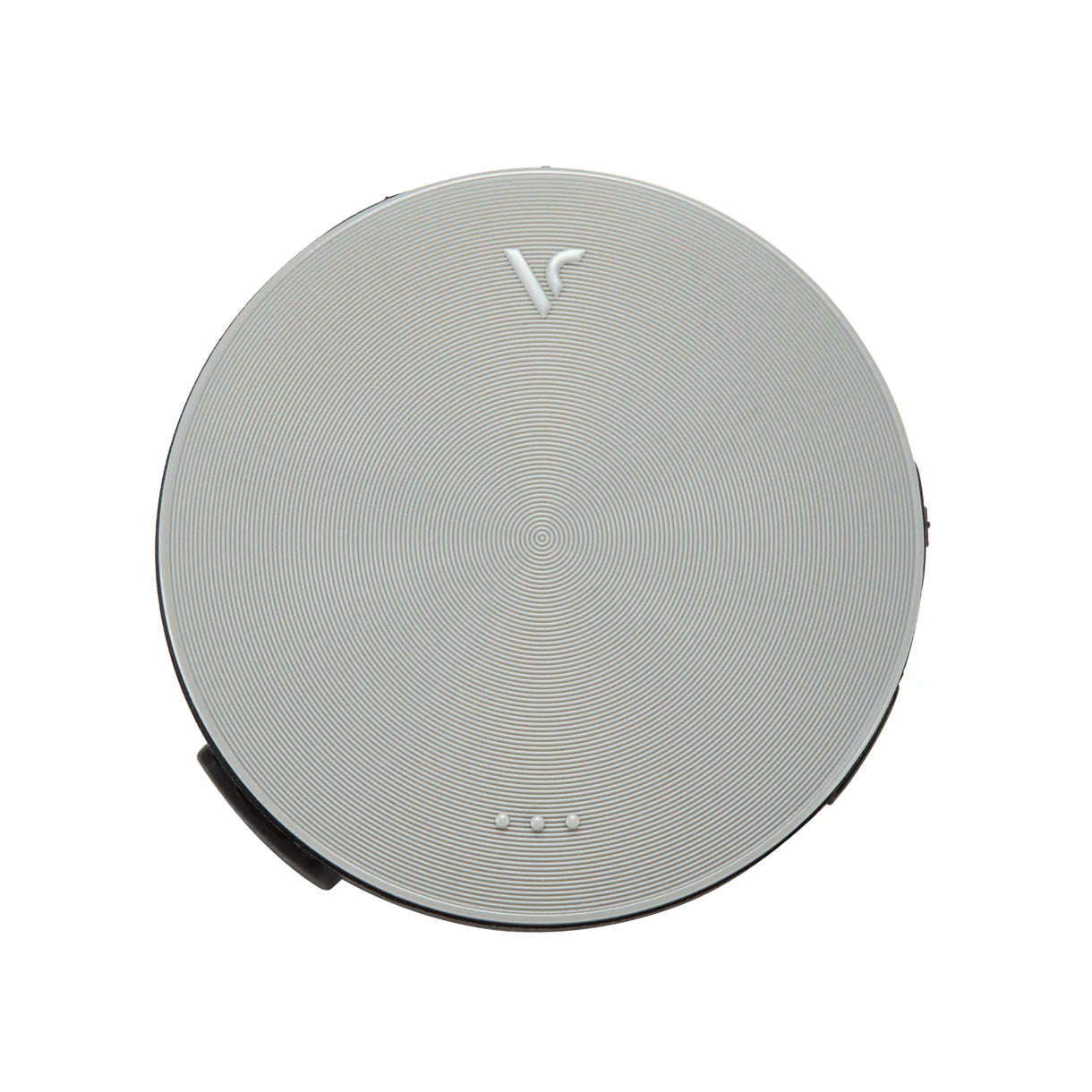
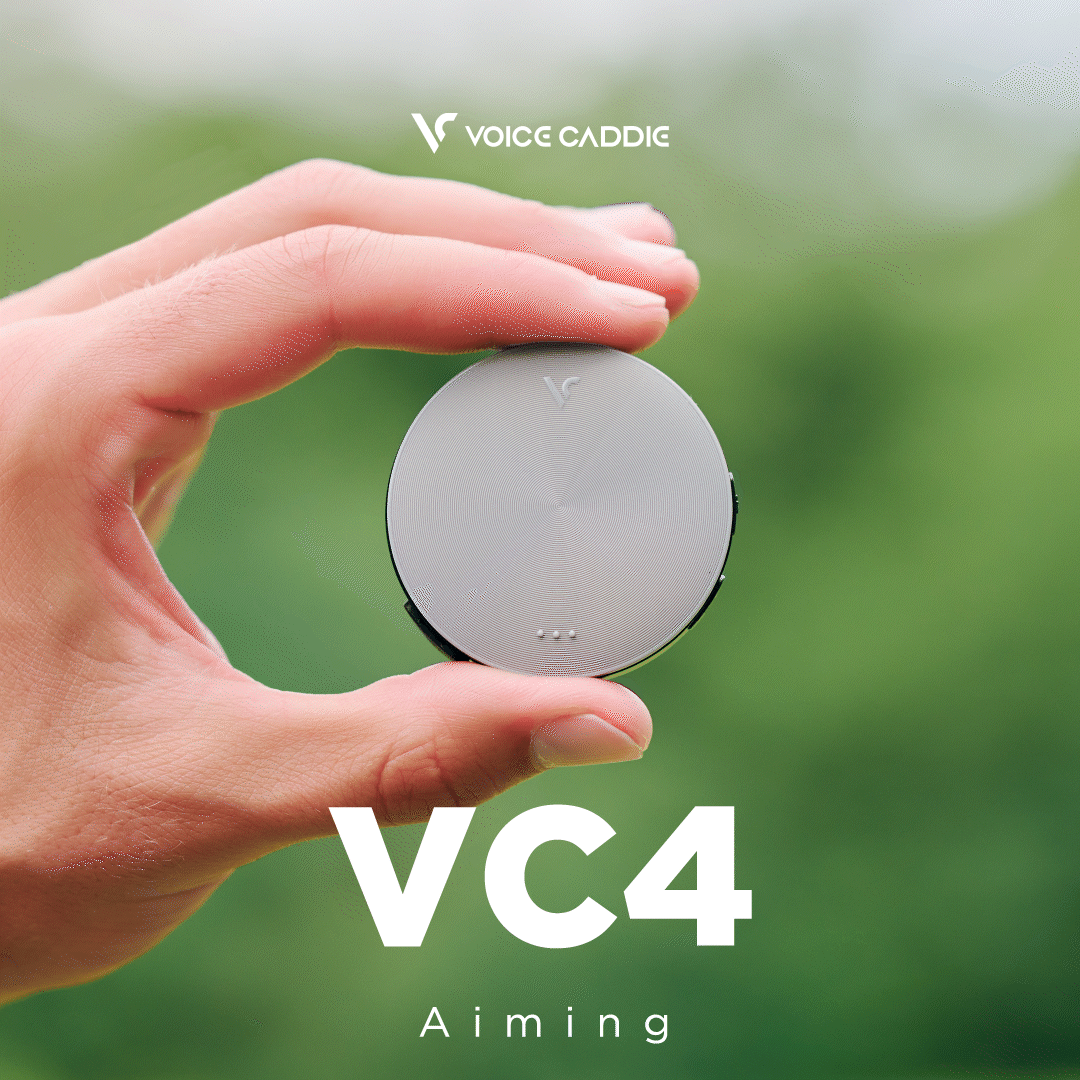
Rangefinder to aim, watch to check, app to consult — what if you could simply play golf? The Voice Caddie VC4 gives you the exact distance to the green at the press of a button, announced by voice. Nothing else to do. Precision GPS technology from Korea — far more affordable than a GPS watch or laser rangefinder, and with no subscription.
Who is it for? Any golfer who wants to stop guessing distances, play faster, and spend less time dealing with technology on the course.
No More Guesswork — Know Exactly What Distance to Play
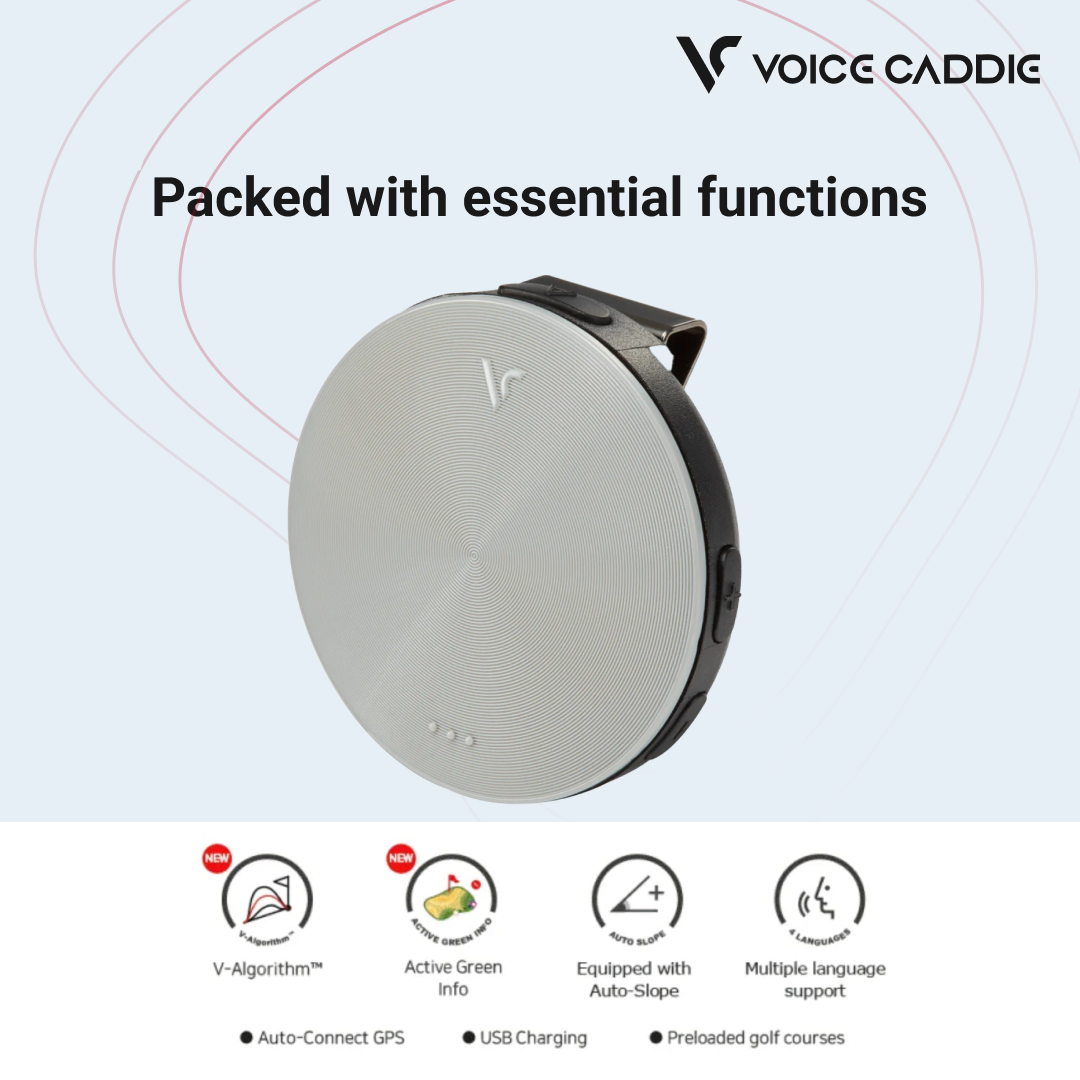
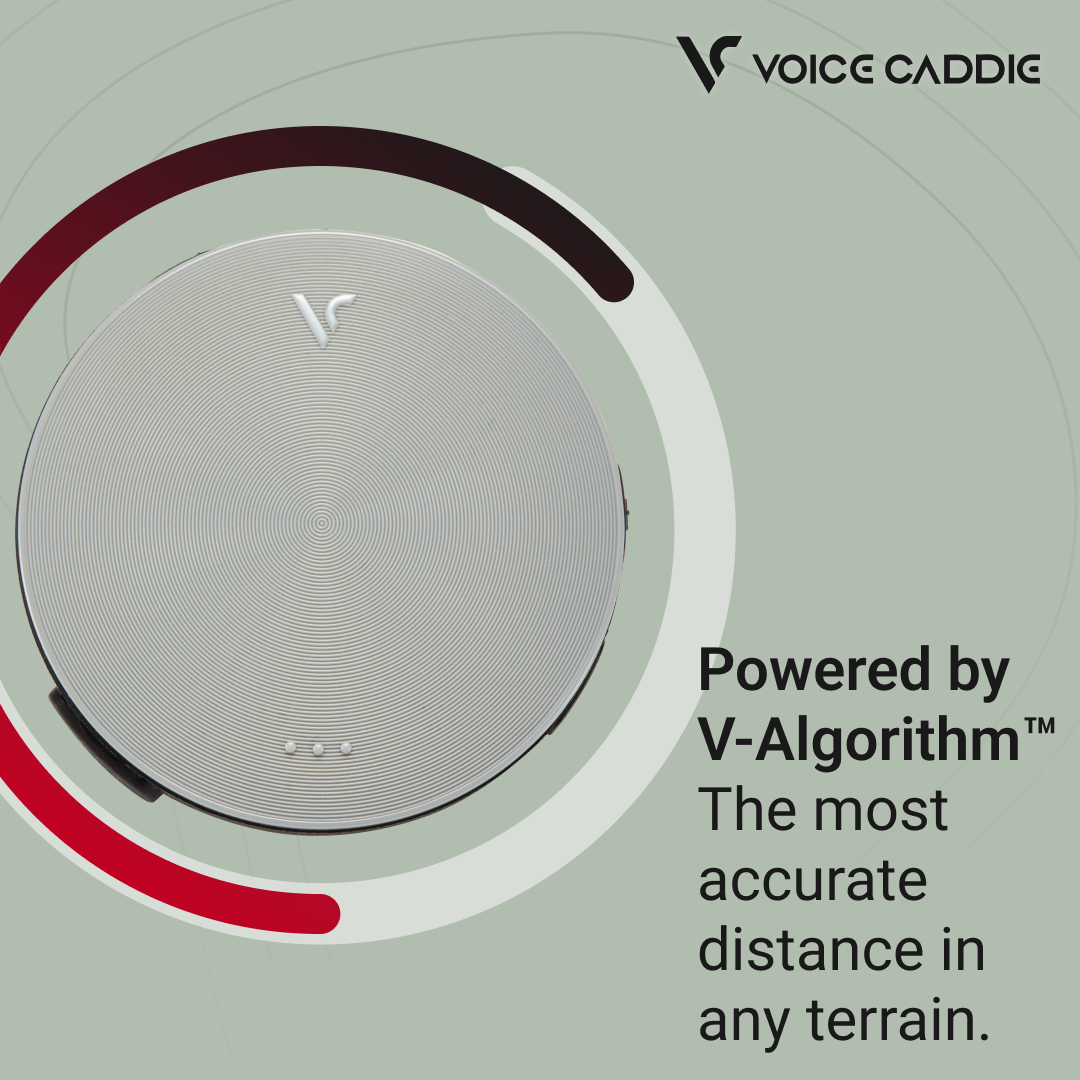
The VC4 announces in English the distance to the center of the green with one click, and the front and back with two clicks. Auto-Slope™ technology automatically adjusts for elevation changes to provide the effective playing distance — not just the straight-line distance. The result: you choose the right club every time, without mental calculations or hesitation.
- Active Green™ — the VC4 automatically identifies the active green based on your GPS position and advances to the next hole as you play, with no user input required.
- Auto-Slope™ — elevation-adjusted distances whenever the course includes altitude data. The VC4 informs you at startup whether slope correction is available.
- Shot Distance Measurement — press and hold before your shot, then again when you reach your ball: the VC4 announces the distance of the shot you just played. Ideal for dialing in your irons.
- Meters or Yards — choose your preferred unit with a long button press.
Less Technology, More Golf
With a laser rangefinder, you aim, zoom, and read. With a GPS watch, you look down at your wrist. With the VC4, you simply hear the distance — eyes up, mind on the game. That's the difference between actively seeking information and receiving it naturally.
The VC4 is also appreciated for its radical simplicity: no touchscreen, no app configuration, no menus to navigate. One button, one voice, one distance. Ideal for golfers who want the correct yardage instantly without interrupting their pre-shot routine.
- Play Faster — distance is available within a second, without taking out a smartphone or navigating menus.
- 100% Voice-Based — no screen to check and no unnecessary gestures during your routine.
- No Smartphone Required — the VC4 operates completely independently, with no app, Bluetooth pairing, or subscription.
- Zero Setup — turn it on, the course is recognized automatically, and you're ready to play.
40,000 Courses, Always Up to Date
The VC4 automatically recognizes the course at startup using GPS. Its database covers more than 40,000 golf courses worldwide, regularly updated by Voice Caddie. To benefit from the latest course data — new courses, green updates, and corrections — simply connect the VC4 to your computer via USB cable and launch the free VC Manager software. Synchronization takes less than five minutes.
Lightweight, Long-Lasting, Hassle-Free
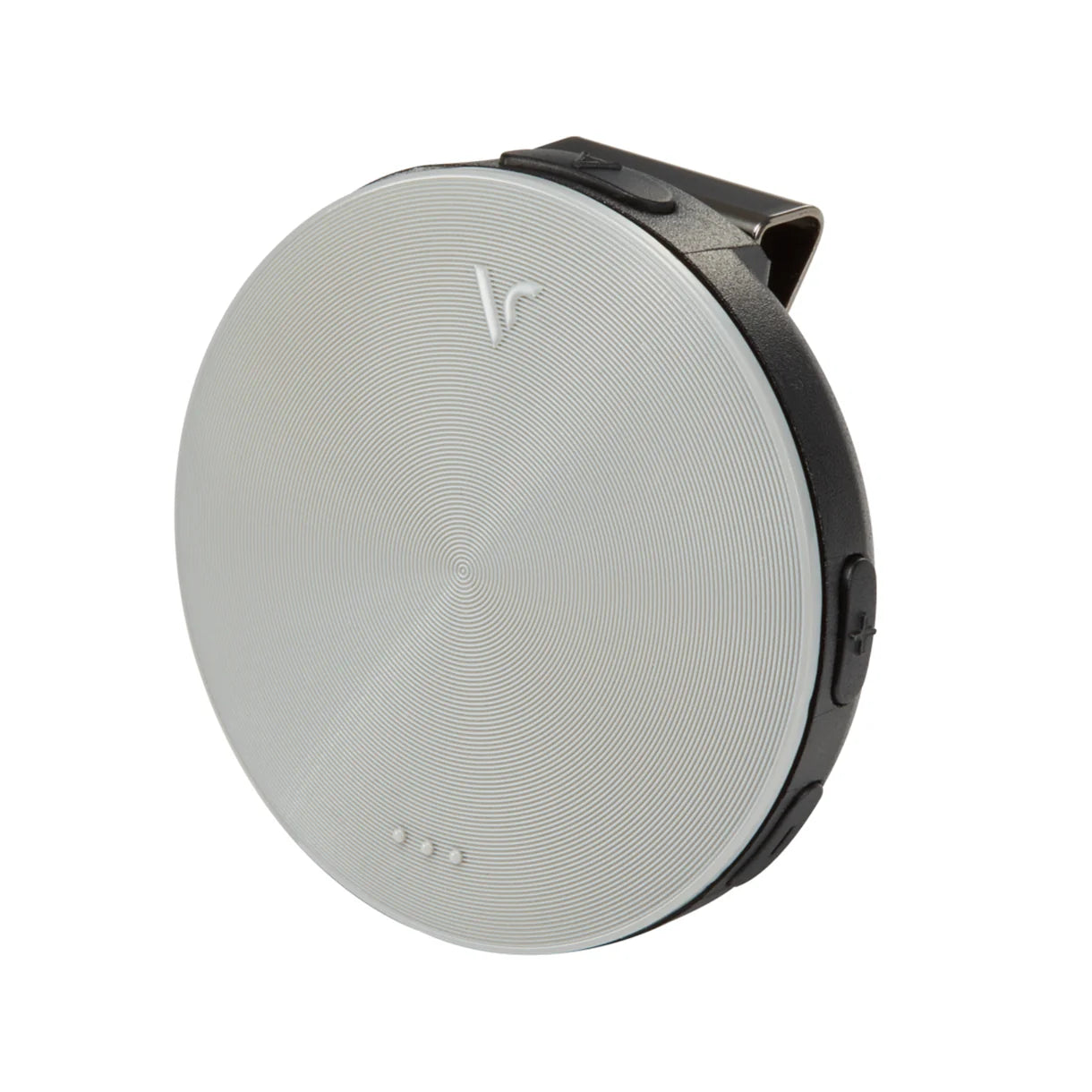
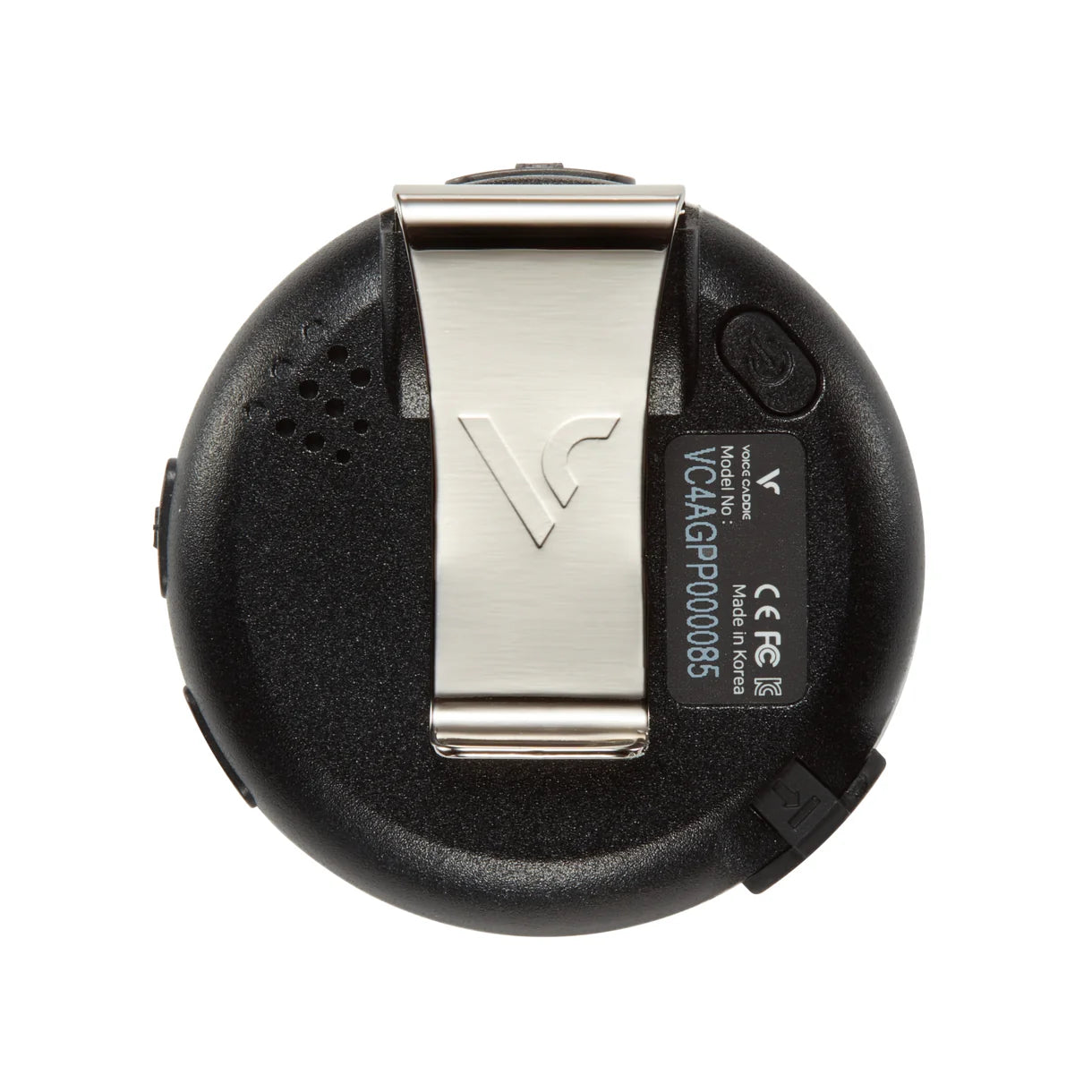
At just 28.5 g, the VC4 slips easily into a pocket or clips onto your belt or cap thanks to its integrated clip. Its battery lasts approximately 54 holes (15 hours) and recharges in just 1.5 hours via USB. Smart Save Mode automatically activates power-saving features when needed, helping ensure you finish your round without running out of battery.
- 28.5 g — lighter than a golf ball.
- ~54 holes / 15 hours per charge, recharges in 1.5 hours via USB cable.
- Smart Save Mode — intelligent battery management to help you finish your round no matter what.
- No Subscription — the purchase price is your only investment.
Technical Specifications
| Specification | Details |
|---|---|
| Weight | 28.5 g |
| Announced Distances | Center of green (1 click) · Front + back of green (2 clicks) |
| Slope Adjustment | Auto-Slope™ — enabled when altitude data is available for the course |
| Position Detection | Active Green™ — automatic hole and active green identification |
| Shot Distance Measurement | Long press before shot + long press after shot |
| Distance Unit | Meters or yards (selectable via long press on −) |
| Voice Languages | English (EU version) · Korean, Japanese, Chinese (other markets) |
| Number of Courses | 40,000+ preloaded golf courses worldwide |
| Updates | Via VC Manager (free PC/Mac software) — courses + firmware |
| Battery Life | ~54 holes / 15 h (normal mode + automatic Smart Save Mode) |
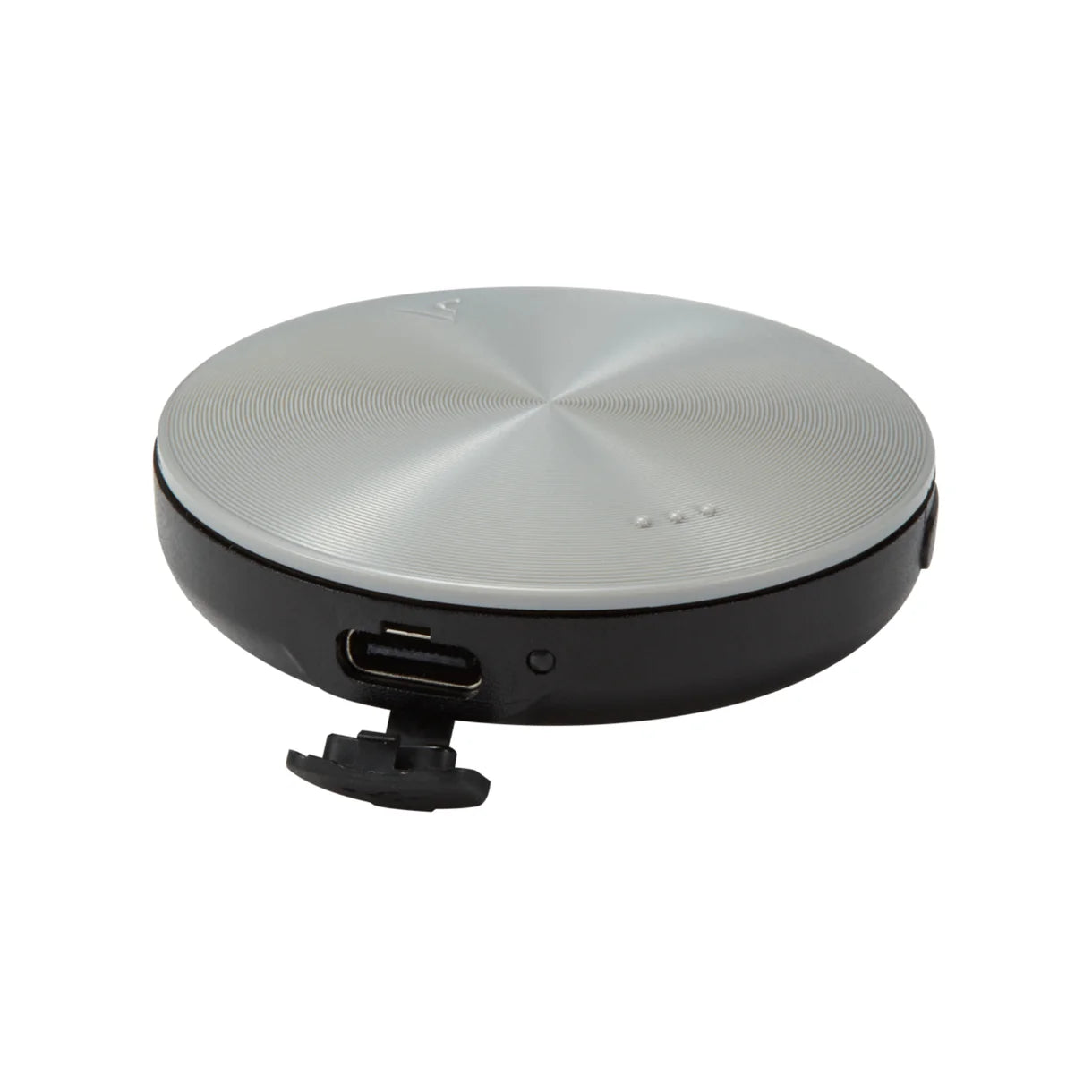
| Charging Time | ~1.5 h via USB cable (red indicator → green) |
| Required Connectivity | None on the course (no smartphone, no Bluetooth) |
| Buttons | Main Button (front) · + and − volume/settings (front) · Power (rear) |
| Attachment | Integrated rear clip (belt, cap, shoulder strap) |
| Operating Temperature | −10 °C to +50 °C |
| Box Contents | VC4, USB cable, user manual |
Comparison Table — VC4 vs GPS Watch vs Laser Rangefinder
Voice GPS frees you from screens: no visual distractions, total focus on your game.
| Criteria | Voice Caddie (VC4) |
GPS Watch (e.g. Garmin S12) |
Laser Rangefinder (e.g. Bushnell Pro X3) |
|---|---|---|---|
| Ease of Use | 1 Button Hands-Free |
Look at your wrist | Aim, zoom, read |
| Slope Adjustment | ✓ Auto-Slope™ Automatic |
Depends on model | Depends on model |
| Front / Center / Back Distances | ✓ All 3 (Voice) | Depends on model | No |
| Visual Distraction | None | Low | High |
| No Smartphone Required | ✓ Yes | ✓ Yes | ✓ Yes |
| Weight | 28.5 g | ~50–60 g | ~180–250 g |
| Price (New) | ~€129 | ~€200–350 | ~€150–500 |
| Subscription | No | Depends on model | No |
Indicative comparison based on products available in Spring 2025. Prices and features may change over time.
Frequently Asked Questions
Everything you need to know before purchasing the Voice Caddie VC4.
-
How does the voice announcement work?
The VC4 uses three front buttons and one Power button on the back:
1 click on the Main Button → distance to the center of the active green: "Hole number XX, center XXX Metres/Yards".
2 clicks on the Main Button → front and back green distances: "Hole number XX, front XXX, back XXX Metres/Yards".
Long press before your shot → the VC4 saves your position and announces "Measuring the shot distance". After your shot, walk to your ball and perform another long press → it announces the distance of the shot played: "The shot distance is XXX Metres/Yards".
Active Green™ technology automatically identifies the active green according to your GPS position — no manual hole selection is required in the vast majority of situations. -
How is the course recognized automatically?
The VC4 uses its built-in GPS to compare your geographic location with its database of more than 40,000 golf courses. As soon as you turn it on at the course, it acquires a GPS signal within seconds and automatically identifies the course without requiring any user selection.
It then detects the current hole based on your position and automatically advances to the next hole as you move through the course.If your course is not recognized, simply download it free of charge through VC Manager (PC/Mac software, USB connection) before your next round. More than 40,000 courses are already available and the database is continuously expanding. -
How do you use the VC4 during a round of golf?
- Power On: press and hold the Power button (rear of the device). The VC4 announces the battery level and starts searching for a GPS signal. Turn it on before arriving at the first tee to allow GPS synchronization.
- Meters/Yards Selection: long press the − button to switch between meters and yards according to your preference. This only needs to be done once during initial setup.
- Distance to the Green: stand near your ball. 1 click → center of the green. 2 clicks → front and back of the green. Distances are elevation-adjusted when altitude data is available for the course (the VC4 informs you at startup).
- Shot Measurement: long press before hitting to save your position. After the shot, walk to your ball and perform another long press → the shot distance is announced.
- The VC4 automatically advances to the next hole as you move around the course. If necessary, manual hole changes can be made through the settings menu (simultaneous long press on + and −).
Attach the VC4 to your cap or belt using the integrated rear clip — ensuring optimal GPS reception and immediate one-handed access to the button without looking at the device. -
What is Auto-Slope™ technology?
Auto-Slope™ calculates the effect of elevation changes between your position and the green to provide the effective playing distance, rather than the simple flat distance. This helps you choose the correct club without any mental calculations.
Important: this feature requires the course to include altitude data. When starting a round, the VC4 automatically informs you: "Golf course is detected. Slope enabled." if elevation data is available, or "Slope disabled." if it is not. In the latter case, the announced distances are straight-line distances from your position.Example with Slope enabled: a hole measuring 150 m on a flat map but played significantly uphill may be announced as 165 m — the true playing distance that matters when selecting a club. -
Is my golf course compatible with the VC4?
The VC4 is compatible with more than 40,000 golf courses worldwide, with regular database updates. Check whether your course is available on Voice Caddie's dedicated course support page.
If your course is missing, you can request it directly from Voice Caddie. The database is continuously expanded thanks to feedback from the golfing community. -
Does the VC4 require a subscription or mobile app?
No. The VC4 operates completely independently, with no smartphone and no subscription of any kind required. Course updates are provided free of charge through the VC Manager software by connecting the device to your computer via USB cable.No recurring costs. The purchase price is your one and only investment. -
How do I update the VC4 course database?
- Download the free VC Manager software from the Voice Caddie website.
- Connect the VC4 to your computer using the USB cable included in the box.
- Launch VC Manager and select the courses you wish to download or update.
- Synchronize the device and disconnect it — your VC4 is ready for your next round.
The update process takes less than 5 minutes and can be performed from any PC or Mac computer. No internet connection is required while playing on the course. -
What is the battery life?
The VC4 features Smart Save Mode: it automatically switches to battery-saving mode if the remaining battery level may not be sufficient to cover the remaining holes on the course. It warns you with the voice message: "Low battery, Turning On the Battery Saver Mode".
Total battery life is approximately 54 holes — or 15 hours when combining normal mode and battery-saving mode, from a full charge completed in approximately 1.5 hours via USB cable. The charging indicator remains red while charging and turns green when fully charged.In battery-saving mode, GPS accuracy may decrease slightly, but not enough to affect normal play. -
Will the VC4 be available in French, Spanish, German, or Italian?
Currently, the VC4 sold on voicecaddie.eu is available in English only (other versions — Korean, Japanese, and Chinese — are intended for their respective markets).
Good news: Voice Caddie is actively working on adding additional European languages. The introduction of French, Spanish, German, and Italian is currently planned for Autumn 2026, subject to final confirmation.- 🇫🇷 French
- 🇪🇸 Spanish
- 🇩🇪 German
- 🇮🇹 Italian
Customers who already own a VC4 will be able to install the language update free of charge via VC Manager, without purchasing a new device. Subscribe to our newsletter to be notified as soon as it becomes available. -
How do I switch between meters and yards, and access the settings?
Meters / Yards: press and hold the − button. The VC4 announces either "Meter" or "Yard" according to the selected unit. Your choice is saved automatically.
Volume: press + or − to increase or decrease the voice volume.
Settings Menu: press and hold the + and − buttons simultaneously for 1.5 seconds. The VC4 announces "Settings". Use + or − to navigate through the options (automatic hole guide on/off, tournament mode, manual hole change), then confirm with the Main Button. The VC4 announces "Confirmed" and returns to Golf Mode.Tournament Mode disables Auto-Slope™ distance adjustment for official competitions where the use of adjusted distances is restricted by the Rules of Golf or tournament regulations.


You may also like
-
Voice Caddie TL1 - Golf Laser Rangefinder with Slope
Regular price €399,00 EURRegular price€449,00 EURSale price €399,00 EURSold out -
Voice Caddie VC4 – Advanced Voice Golf GPS with Slope-Adjusted Distances
Regular price €119,00 EURRegular price€159,00 EURSale price €119,00 EURSale -
Voice Caddie SC4 PRO Pack – Portable Golf Launch Monitor and 3D Simulator with Protective Case
Regular price €589,00 EURRegular price€718,00 EURSale price €589,00 EURSale -
Voice Caddie SC4 PRO Pack: Portable Launch Monitor and 3D Simulator with Accessories
Regular price €599,00 EURRegular price€767,00 EURSale price €599,00 EURSale