Voice Caddie
Voice Caddie SC4 Pro – Portable Golf Launch Monitor and 3D Simulator
Voice Caddie SC4 Pro – Portable Golf Launch Monitor and 3D Simulator Best Price Guaranteed
 Free 15-Day Returns
 No Hidden Delivery Fees


Couldn't load pickup availability
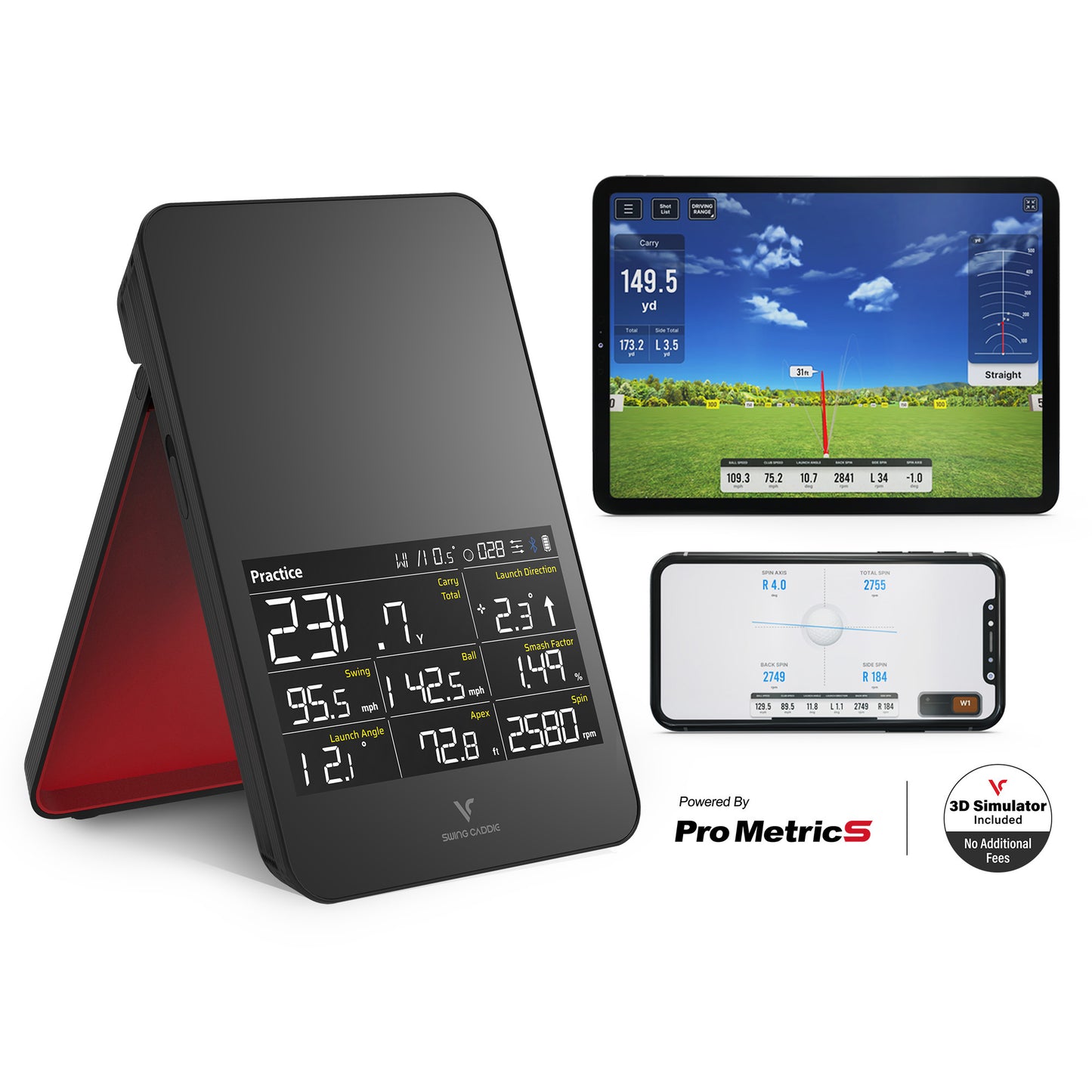
The Voice Caddie SC4 PRO is a portable golf launch monitor and 3D simulator for golfers of all levels. Powered by the ProMetrics engine, it measures 13 parameters in real time — swing speed, spin, distance, apex and more — with professional accuracy, at home, on the range, or on the course.
Easy Setup
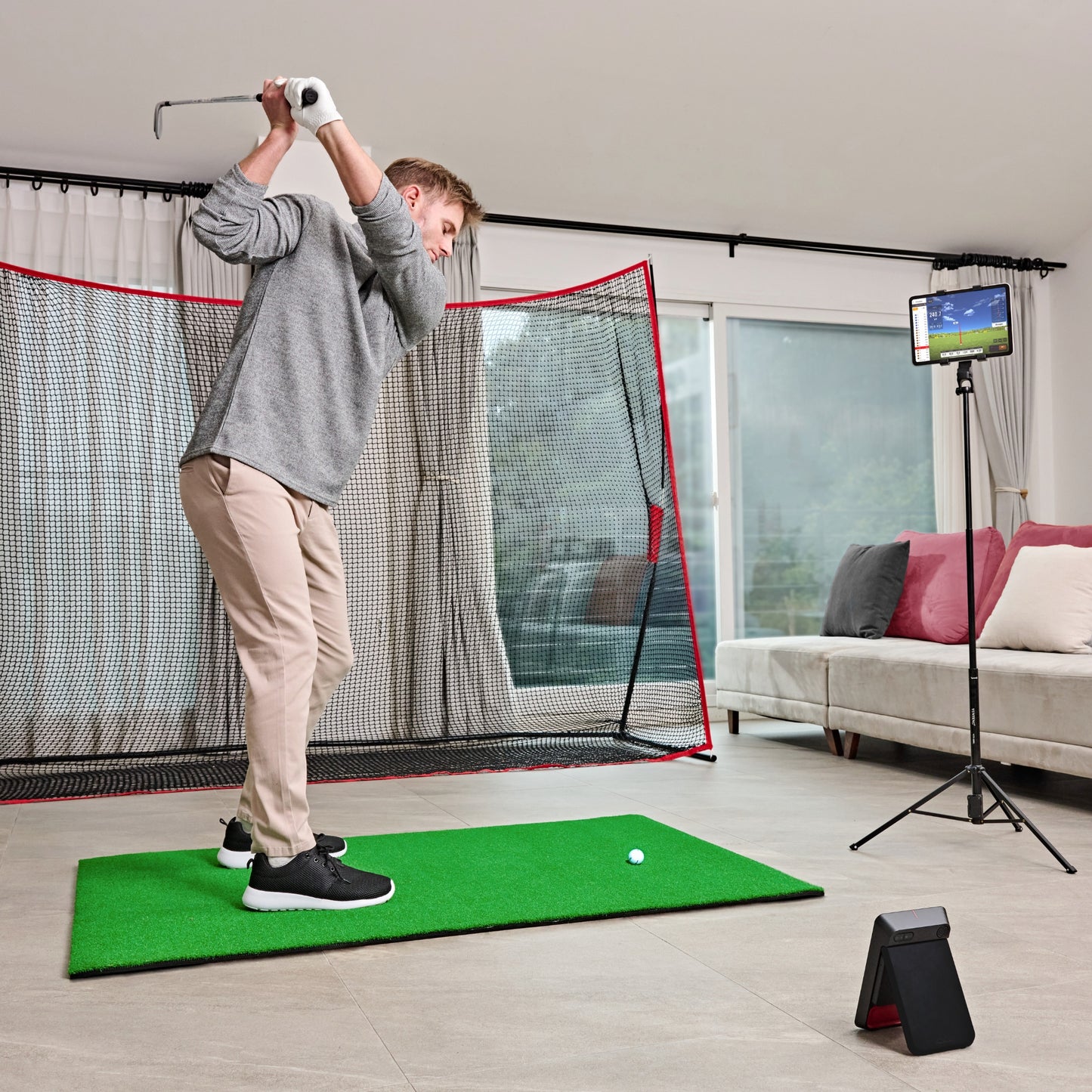
Connect the SC4 PRO to your smartphone or tablet via Bluetooth and start training in minutes. For optimal accuracy, place it approximately 1.5 m behind the ball, aligned with your target.
- No special balls needed – accurate data with standard golf balls.
Portable Built-in Screen
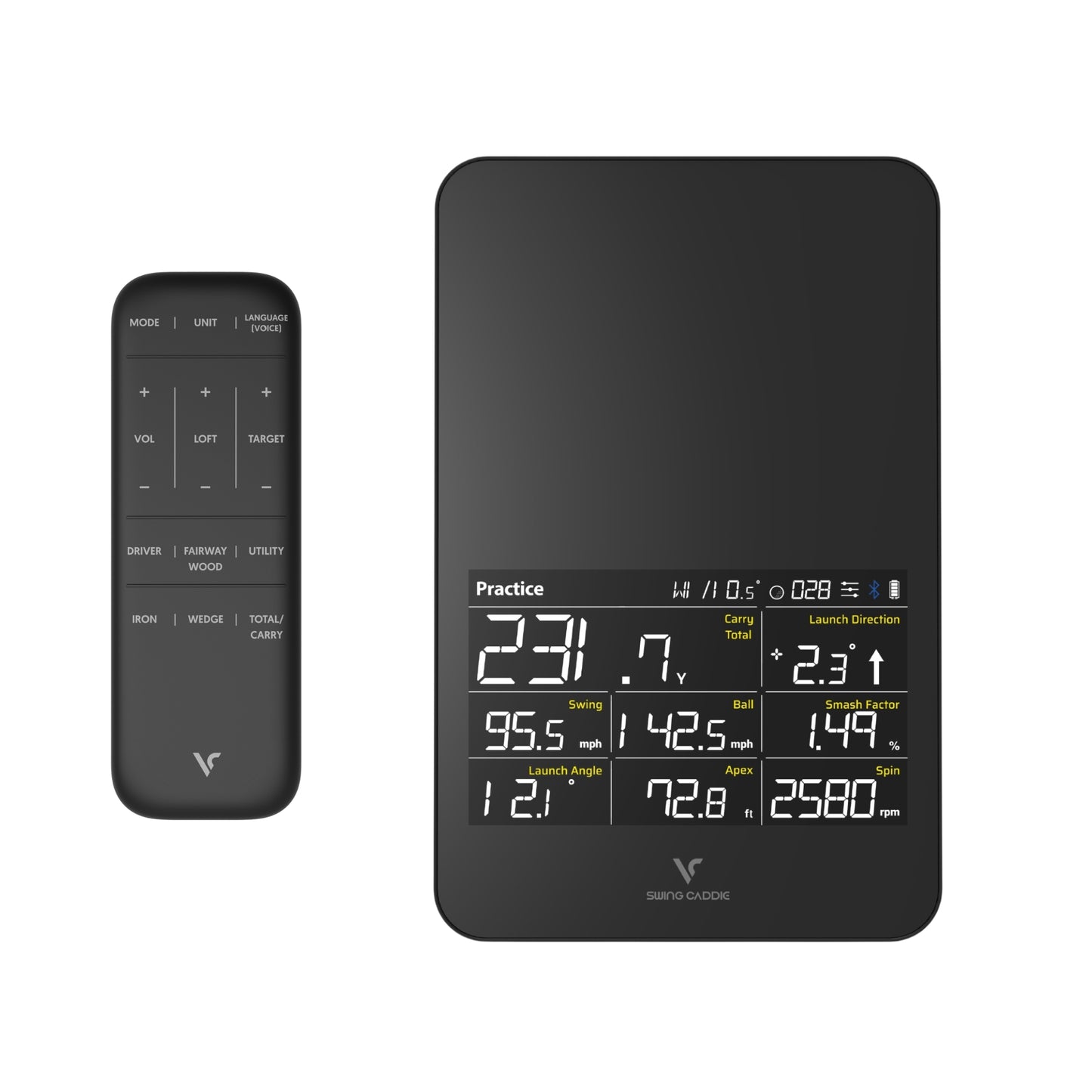
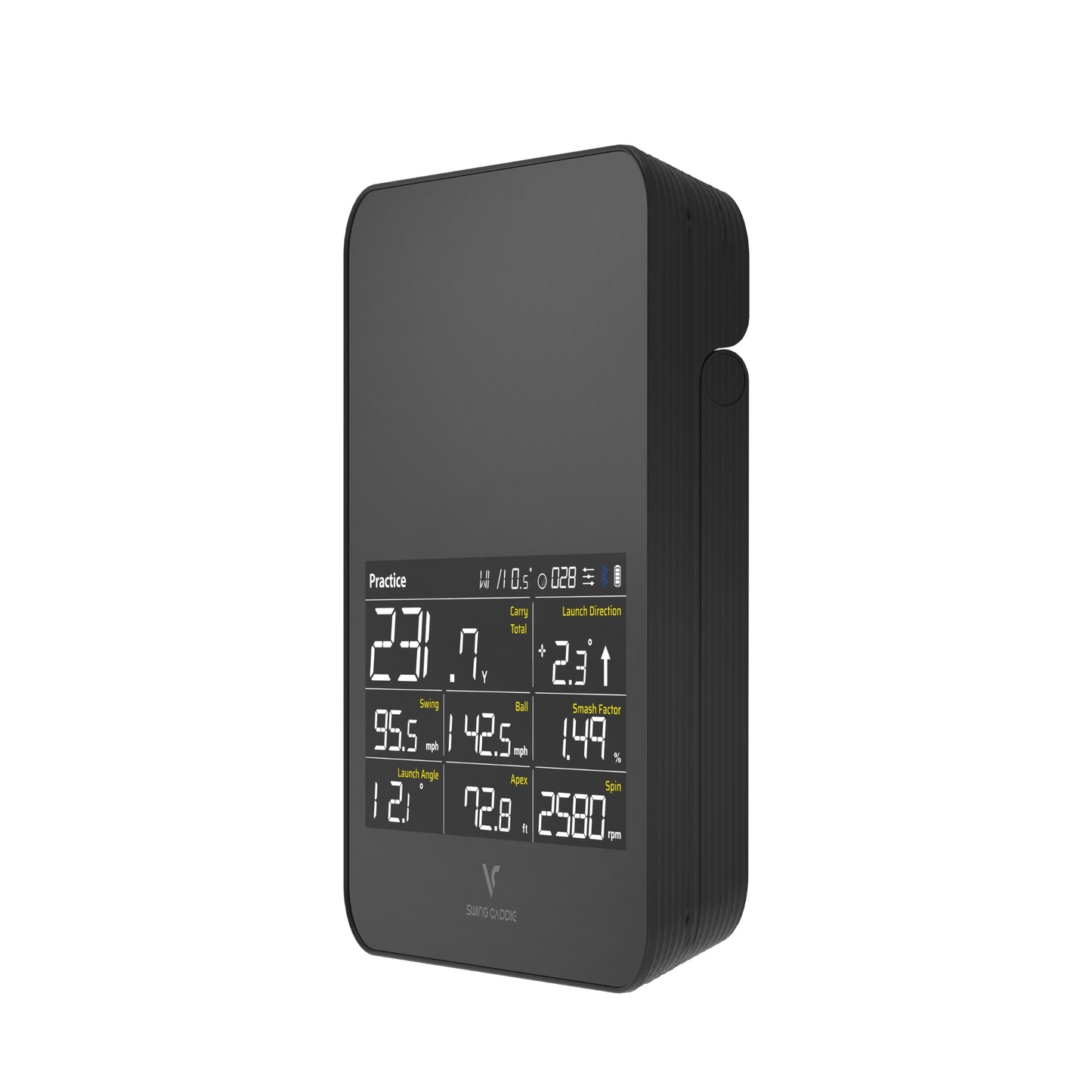
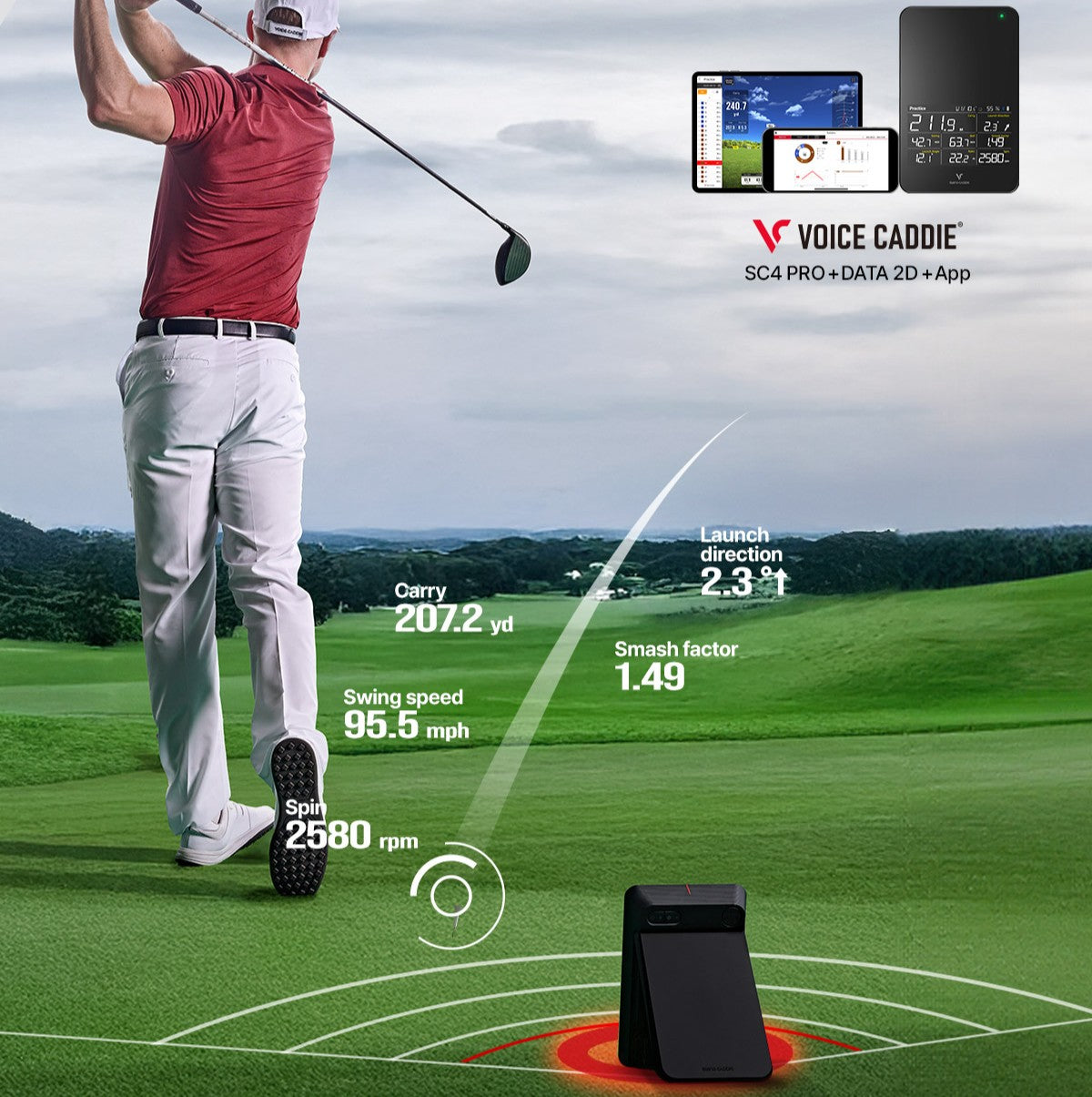
The SC4 PRO can operate in standalone mode thanks to its high-visibility screen, instantly displaying:
- Carry distance
- Direction and launch angle
- Swing speed
- Ball speed
- Smash factor
- Apex
- Spin rate
Connected Use
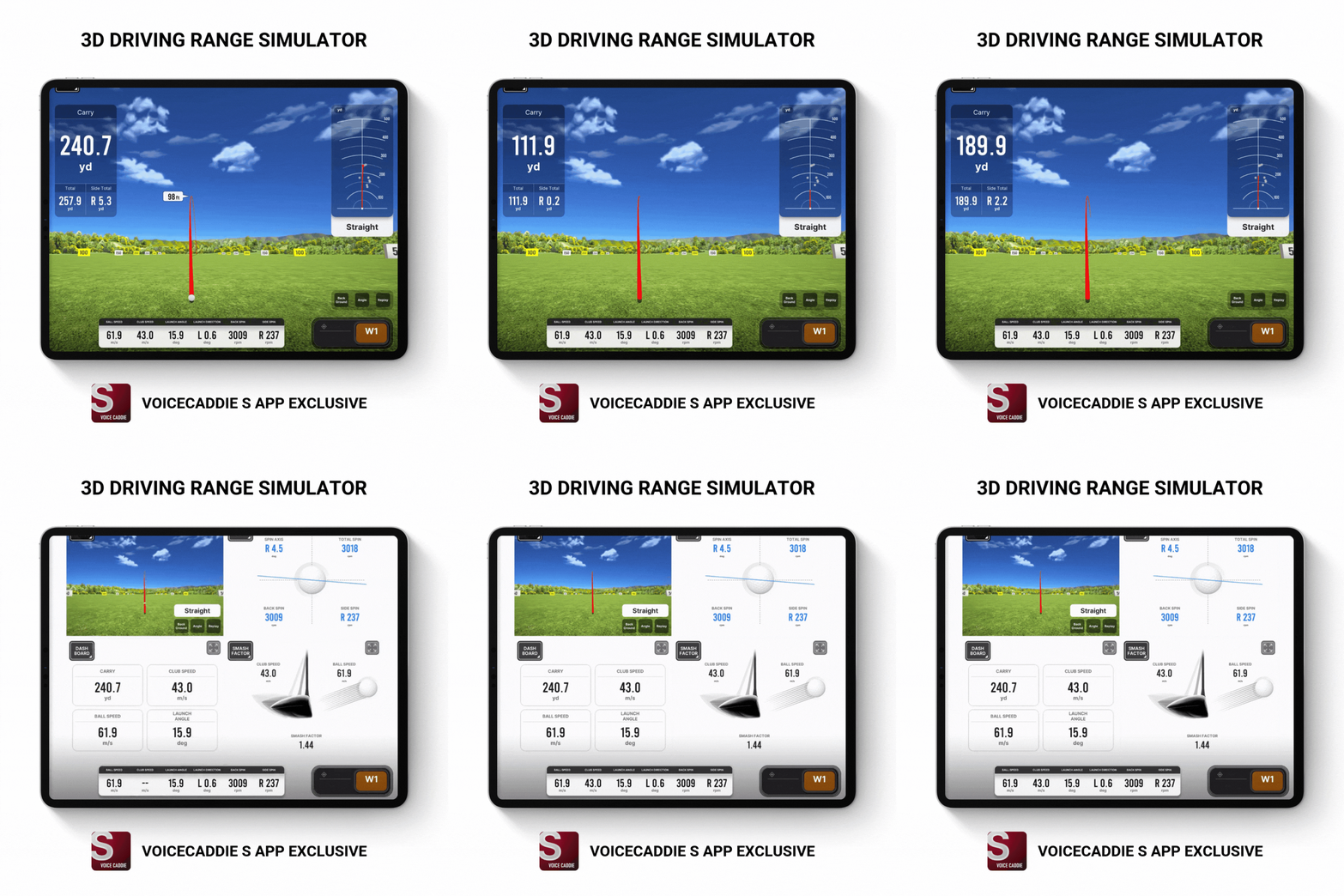
Pair it with the Voice Caddie S app (iOS and Android) to unlock even more data:
- Spin axis, back spin, side spin, dispersion
- Shot history and statistics
- Swing video analysis
- 3D golf simulator and virtual practice
Training Modes
- NEW! Swing speed mode – measures speed even without hitting a ball.
- Target mode – distance challenges and accuracy training.
- Practice mode – real-time feedback and progress tracking.
Simulator Compatibility
- Voice Caddie S App – free, with virtual display and advanced statistics.
- E6 Connect (iOS and PC) – play on realistic courses (5 included for free).
Comfort & Features
- Built-in magnetic remote control
- Voice distance feedback (English)
- Rechargeable lithium-ion battery
- Barometric sensor with auto-calibration
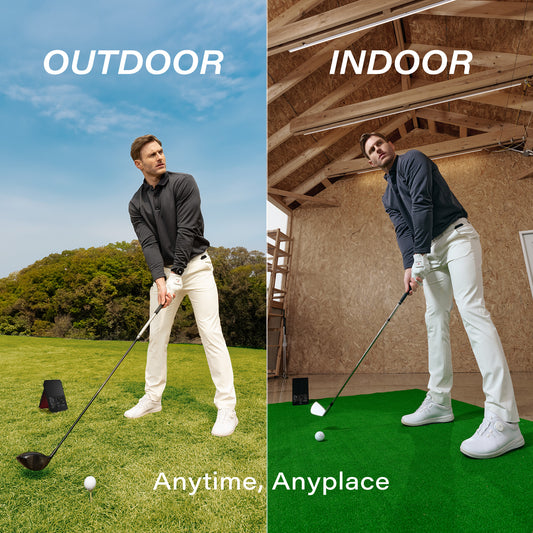
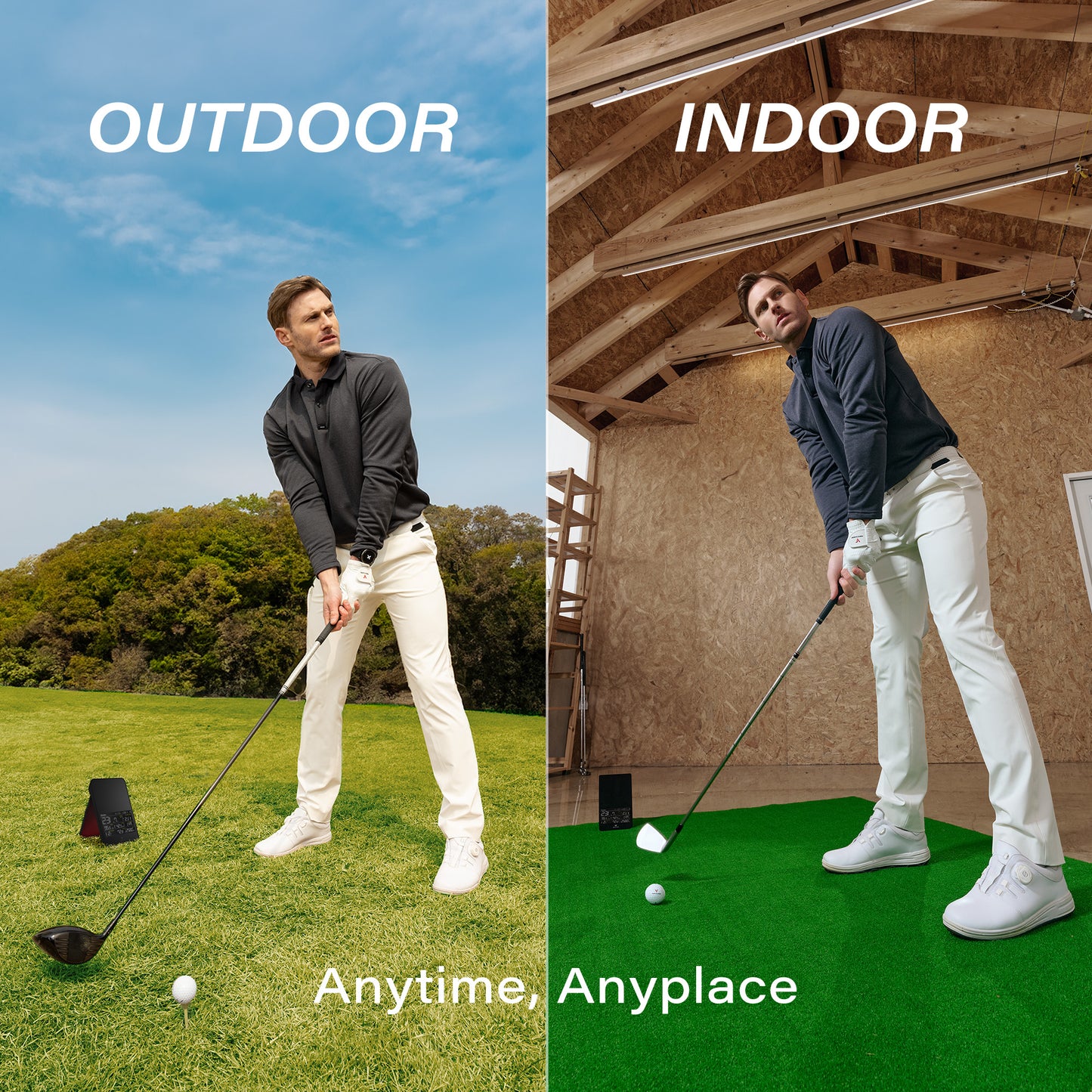
- Indoor and outdoor use
Your All-in-One Simulator and Monitor
The SC4 PRO is more than a simple golf monitor: it's a complete training solution. Take it anywhere for accurate data, an immersive 3D simulator, and professional analysis to take your game to the next level. Also discover the full Voice Caddie launch monitor range.
Compatible SC4 PRO Accessories


SC4 Pro vs Competitors
| Feature | Voice Caddie (SC4 Pro) |
Garmin (R10) |
Rapsodo (MLM2 Pro) |
|---|---|---|---|
| Price | €599 | €599 | €699 |
| Subscription | €0 / Lifetime price | Features locked without subscription |
€230 / year (mandatory) |
| Total cost over 3 years | €599 Lowest cost |
€800+ | €1,389+ (highest) |
| Connectivity | Standalone (smartphone optional) |
Smartphone required | Smartphone required |
| Built-in screen | Yes (OLED) | No | No |
| Remote control included | ✓ Yes | No | No |
| Setup | Instant | App pairing required | App pairing required |
| Distance behind the ball | ~1.5 m Most compact |
1.8 – 2.4 m | 2 – 2.6 m |
| Specific balls required | ✓ No Any standard ball |
Yes — Titleist RCT (not included) |
Yes — RPT balls (3 included) |
Rapsodo total cost over 3 years = €699 + (€230 × 3) = €1,389. For reliable spin, the Garmin R10 requires Titleist RCT balls (~€70/sleeve, not included). The Rapsodo MLM2 Pro requires Callaway RPT balls (3 provided at purchase, must be repurchased afterward).
FAQ
Frequently Asked Questions — SC4 Pro
Everything you need to know before buying or using your launch monitor.
-
What is the Voice Caddie SC4 Pro?
The Voice Caddie SC4 Pro is a portable launch monitor using Doppler radar technology to instantly measure your shot parameters. Compact and wireless, it can be used on the range or indoors with a hitting screen, and connects to E6 Connect for golf simulation. It is the flagship model of the Swing Caddie lineup, featuring a built-in screen and a magnetic remote control. -
What parameters does the SC4 Pro measure?
The SC4 Pro measures 13 parameters in total.
In standalone mode (no smartphone, displayed on the built-in screen):- Carry Distance
- Total Distance
- Launch Direction
- Swing Speed
- Ball Speed
- Smash Factor
- Launch Angle
- Apex
- Spin Rate
Via the VoiceCaddie S app (iOS / Android, free):- Spin Axis
- Back Spin
- Side Spin
- Dispersion
-
Does the SC4 Pro work indoors and outdoors?
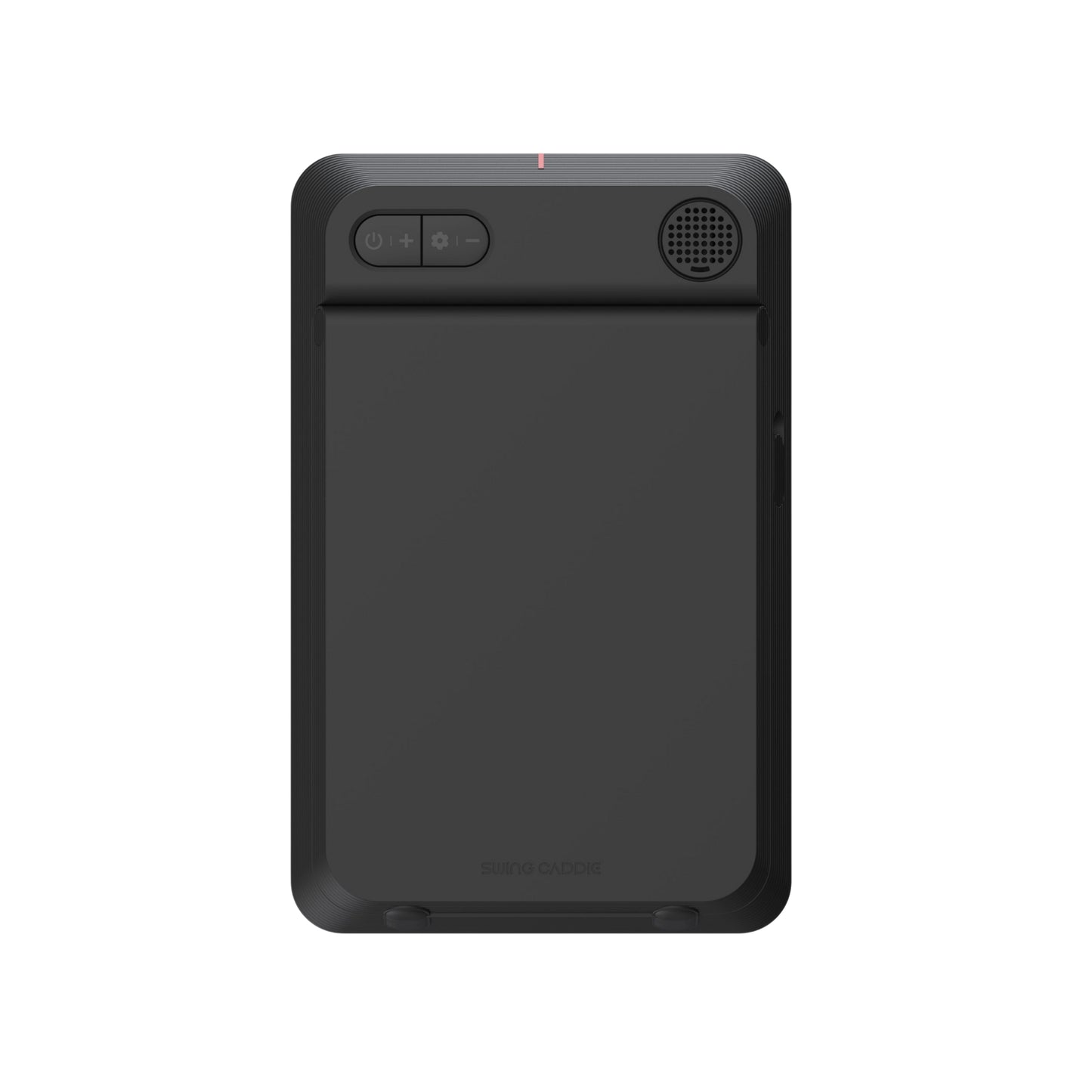
Yes. Doppler radar technology works independently of ambient light conditions.- Outdoors: place the device approximately 1.5 m behind the ball, in line with the shot, with the red marker aligned with the ball.
- Indoors: same position behind the ball, and allow approximately 3 m between the ball and the net or hitting screen.
-
How do I set up the SC4 Pro correctly?
- Place the unit at hitting surface level, approximately 1.5 m behind the ball, in line with the shot.
- Align the ball with the red marker on top of the device.
- If hitting into a net or screen, allow approximately 3 m between the ball and the net/screen.
- Download the VoiceCaddie S app (iOS / Android) and pair the device via Bluetooth to access all 13 parameters.
The device can also be used in standalone mode without a smartphone — the built-in screen will display the 9 main parameters immediately after each shot. -
Which simulator is the SC4 Pro compatible with?
The SC4 Pro is compatible with E6 Connect and Optishot Orion. The connection is made via Bluetooth.The purchase includes 5 E6 Connect courses with no subscription required: Aviara Golf Club & Resort, Bandon Dunes, Stone Canyon Club, Sanctuary, and Wade Hampton Golf Club. An optional paid E6 subscription gives access to over 100 additional courses — this cost is linked to E6, not to Voice Caddie. -
Does the SC4 Pro work with all types of balls?
No. The SC4 Pro requires standard golf balls conforming to R&A / USGA rules. Foam practice balls or non-standard lightweight balls may skew measurement data. -
What is the battery life of the SC4 Pro?
The SC4 Pro offers approximately 10 hours of battery life with continuous use. Charging is done via USB-C (cable included). The battery level is visible on the device screen and in the VoiceCaddie S app. -
How do I update the SC4 Pro?
Updates are free. They are performed via the VoiceCaddie S mobile app (iOS / Android) or via the VC Manager software on PC or Mac. Regular updates may expand features and simulator compatibility. -
What is the difference between the SC4 Pro and the SC300i?
The SC4 Pro and SC300i both feature a built-in screen, a magnetic remote control, and smartphone-free use. The main difference lies in the number of parameters analyzed: 13 vs 8. The SC4 Pro adds spin axis, back spin, side spin, and dispersion, which are absent from the SC300i. It is also compatible with the E6 Connect simulator (5 courses included), which the SC300i does not offer. The SC300i remains an excellent choice for essential data at a more accessible price. -
Is a subscription required to use the SC4 Pro?
No. The VoiceCaddie S app and firmware updates are completely free. The 5 included E6 Connect courses are accessible without a subscription. Only an optional E6 subscription is needed to access additional courses — this cost is linked to E6 Connect, not to Voice Caddie.
SC4 Pro Metrics


Time to go PRO
You may also like
-
Voice Caddie L6 Plus Golf Laser Rangefinder with Slope and OLED Display
Regular price €179,00 EURRegular price€259,00 EURSale price €179,00 EURSale -
Voice Caddie TL1 - Golf Laser Rangefinder with Slope
Regular price €399,00 EURRegular price€449,00 EURSale price €399,00 EURSale -
Voice Caddie VC4 – Advanced Voice Golf GPS with Slope-Adjusted Distances
Regular price €129,00 EURRegular price€159,00 EURSale price €129,00 EURSale -
Voice Caddie SC4 PRO Pack – Portable Golf Launch Monitor and 3D Simulator with Protective Case
Regular price €629,00 EURRegular price€718,00 EURSale price €629,00 EURSale